- Who can: a user with the “Manage Studio” permission
- Where: Studio › Workflows › the workflow
- Time: ≈ 5 minutes
Before you start
The workflow must be saved and pass Validate with no errors — see Create a workflow.
A test runs the workflow draft. If the workflow is already published and has no draft, the test creates one: the status changes to “Editing v…”, and the published version keeps working.
Steps
Open the run menu
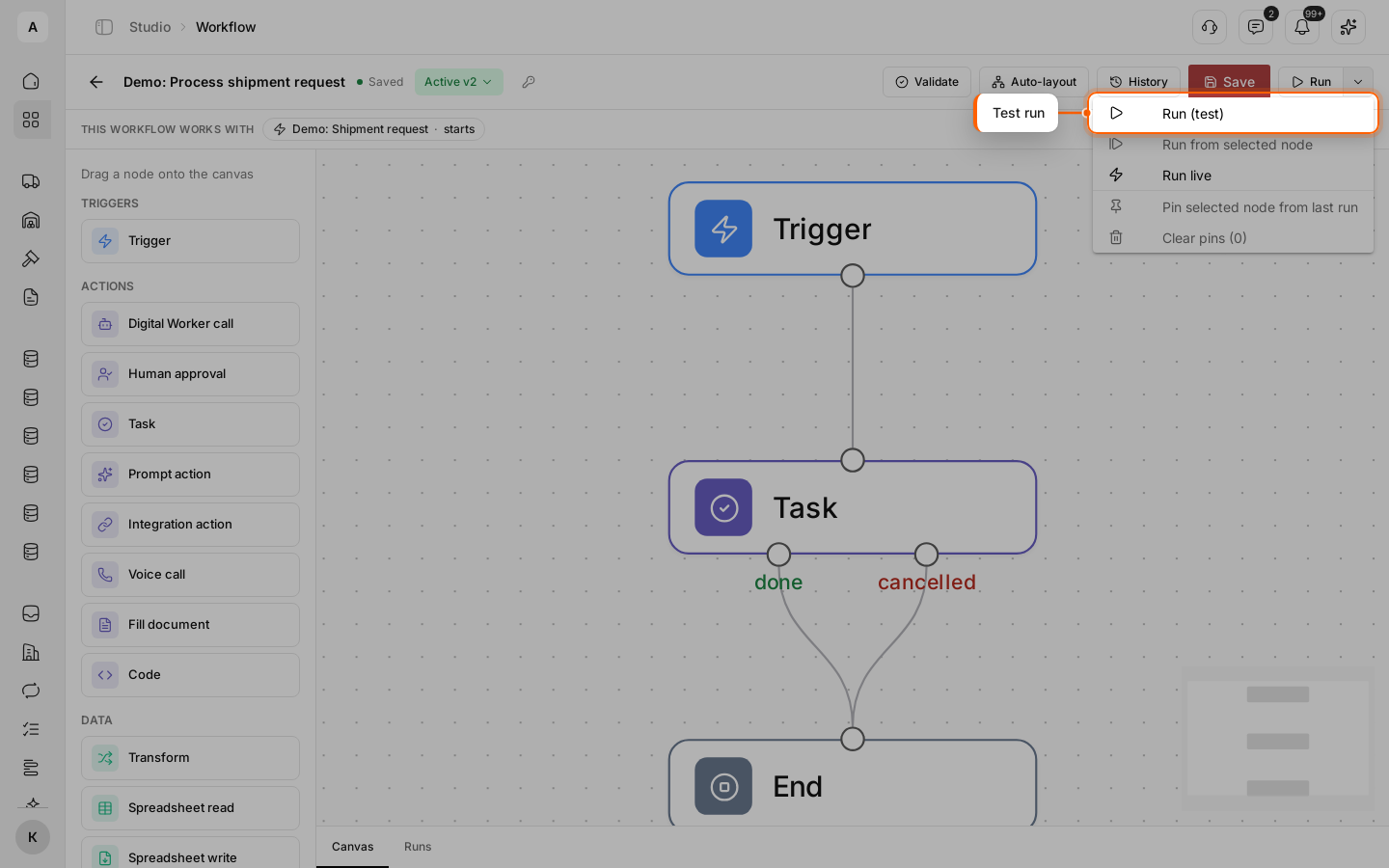
Open the workflow and click the arrow next to the Run button. Select Run (test). The Run button without the arrow opens the same window.
Enter sample data
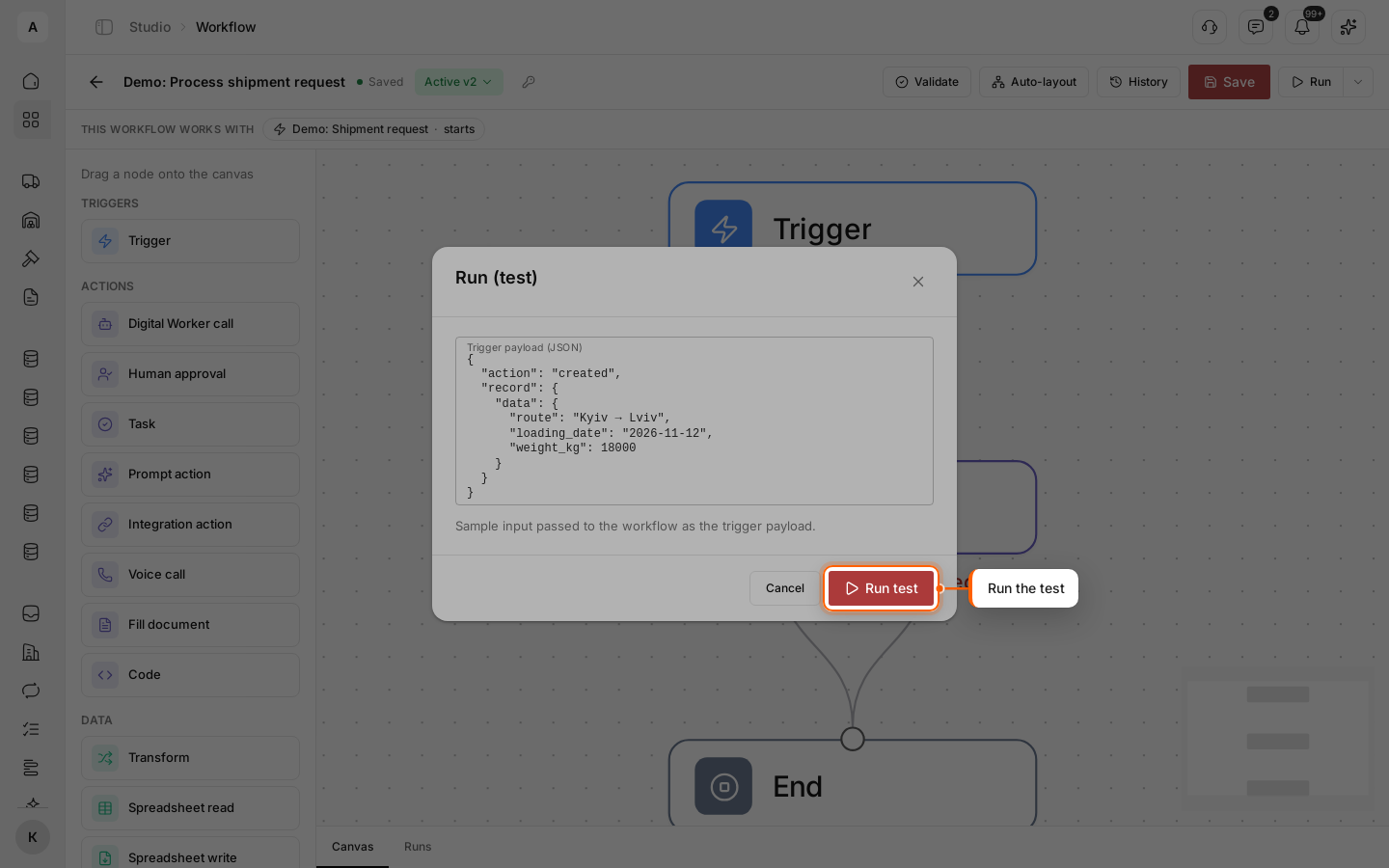
In the “Trigger payload (JSON)” field, describe the event the workflow starts from. For a trigger on a new request, it is the created action and the record fields:
{
  "action": "created",
  "record": {
    "data": {
      "route": "Kyiv → Lviv",
      "loading_date": "2026-11-12",
      "weight_kg": 18000
    }
  }
}
Take the field keys from the “Field key” of the data model. Click Run test.
Complete the steps the workflow waits for
The Runs tab opens under the canvas with the new run. Nodes that have finished are outlined in green, the current one in yellow.
In the example, the workflow stops at the “Task” node with the “Waiting” status: the task “Check new shipment request” appears in Tasks. Change its “Status” to “Done”, and the run continues.
Review the result
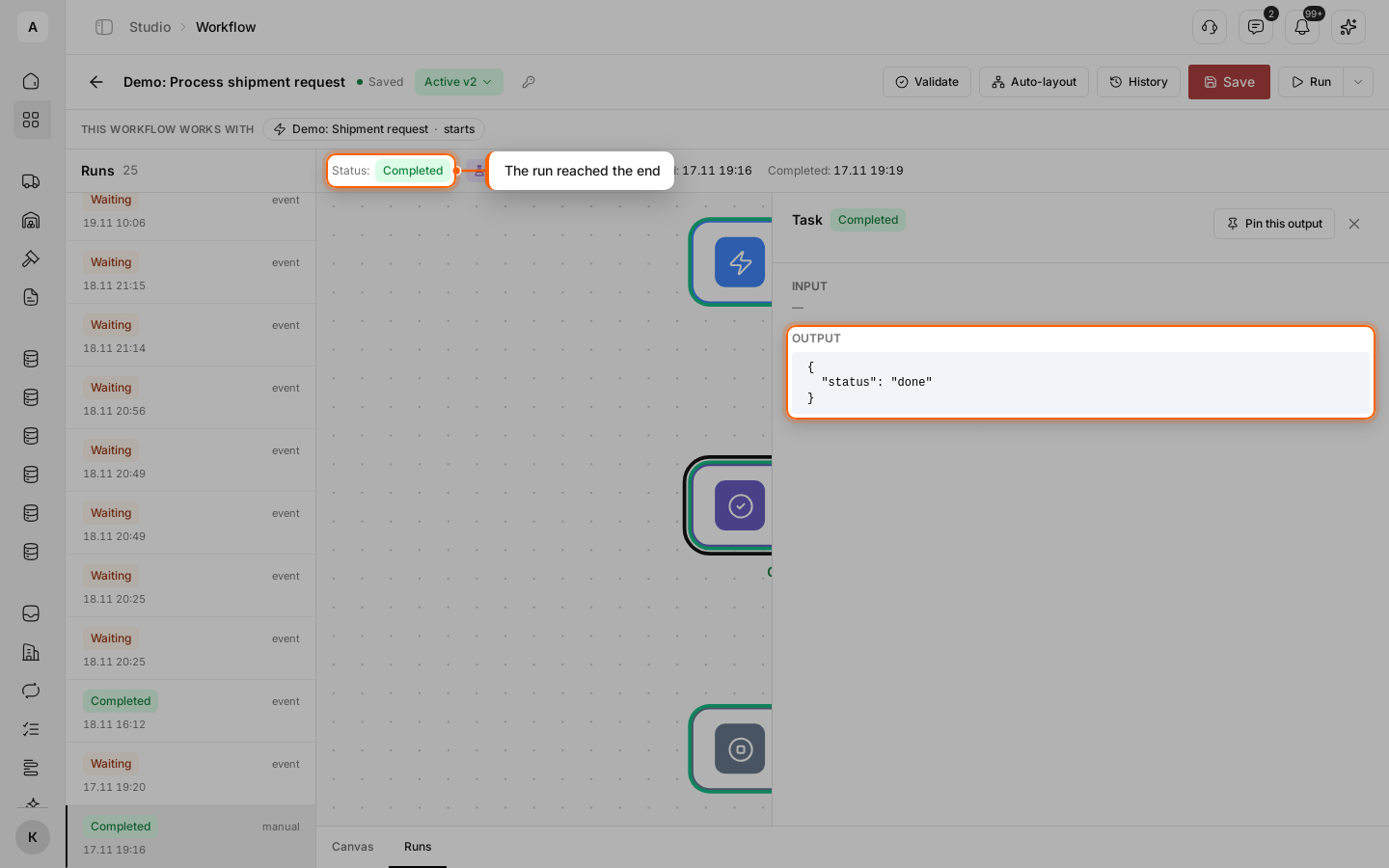
When the run reaches the “End” node, its status becomes “Completed”. Click a node to see its input and output on the right: “INPUT” and “OUTPUT”. For a task, the output shows its status.
Important
Some nodes work for real in a test: “Task” creates a real task. Others only simulate: “Voice call” places no call, “Integration action” sends nothing, and “Entity write” and “Entity operation” only check the data — records do not change. To make a node do nothing in a test, turn on “Mock in test” in its settings and set the “Mock output (JSON)”, if the node has this switch.
Tip
To skip a long step every time, open it in a completed run and click Pin this output. Later tests take this result instead of running the step. To remove pins, use Run › Clear pins in the menu.