- Who can: a user with the “Manage Studio” permission
- Where: Studio › Products › System
- Time: ≈ 1 minute
Before you start
Nothing to prepare. The switch works for the whole account, and a product’s events no longer start workflows while it is off. Turn off only a product the team does not use — see System products.
Steps
Switch the product on its card
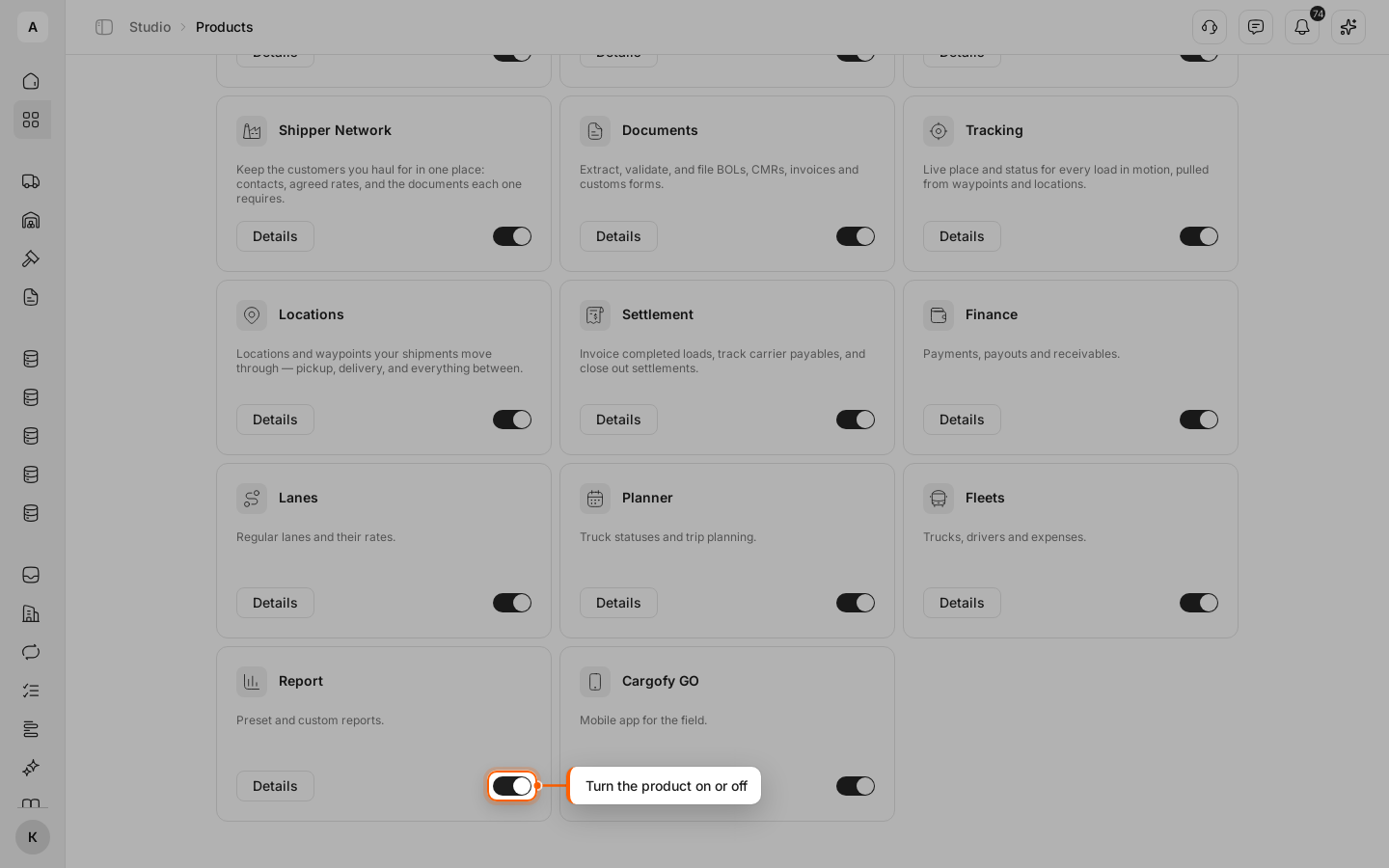
Click Studio in the left menu and open Products. On the System tab, click the switch on the product card. The change is saved right away.
Or change the status on the product page
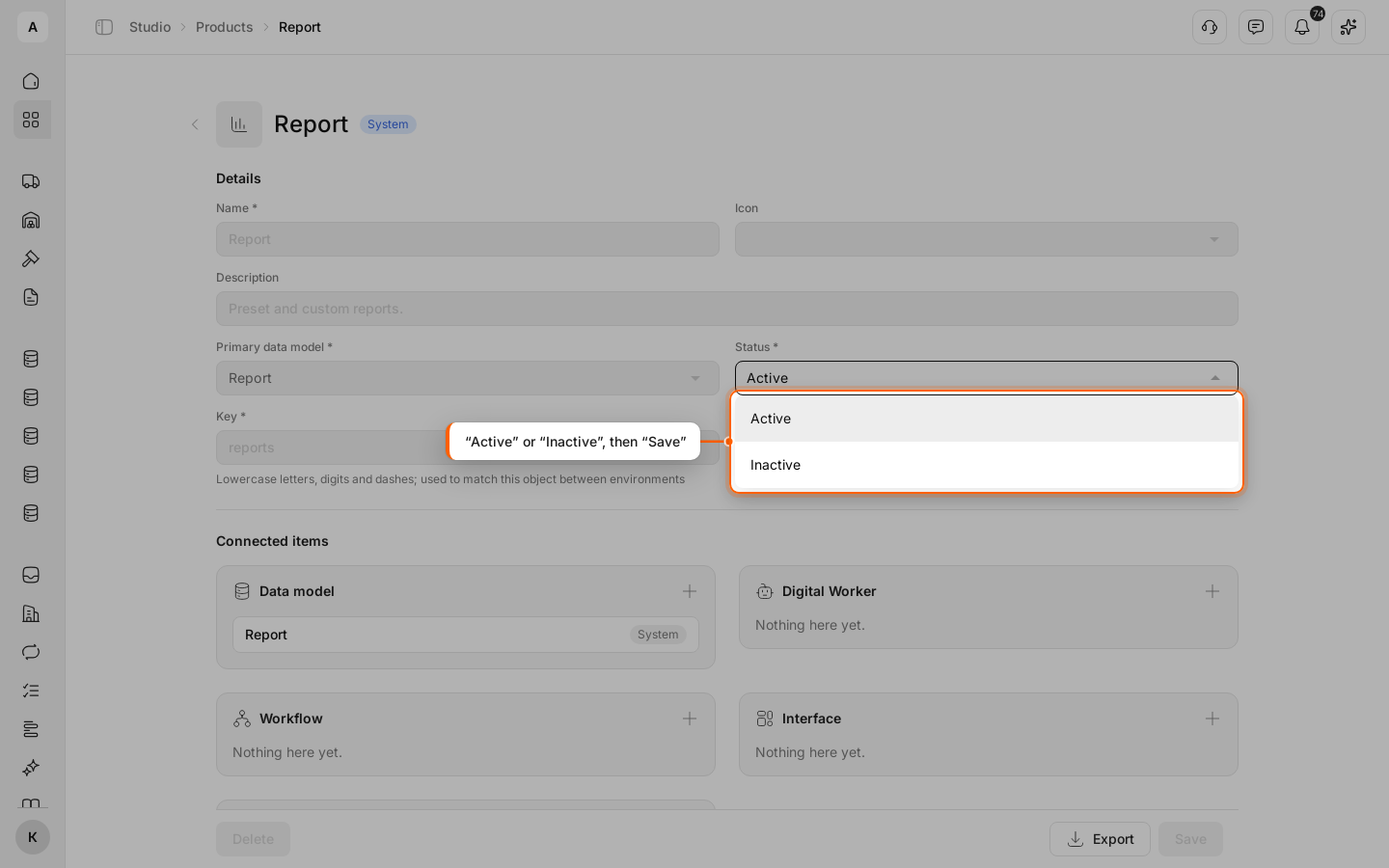
Click Details on the card. In “Status”, select “Active” or “Inactive” and click Save. The “Product saved” message appears.