- Who can: a user with the “Manage Studio” permission
- Where: Studio › Workflows
- Time: ≈ 10 minutes
Before you start
You need a data model whose new records the workflow will react to. In the example, it is “Demo: Shipment request” — to create it, see Create a data model.
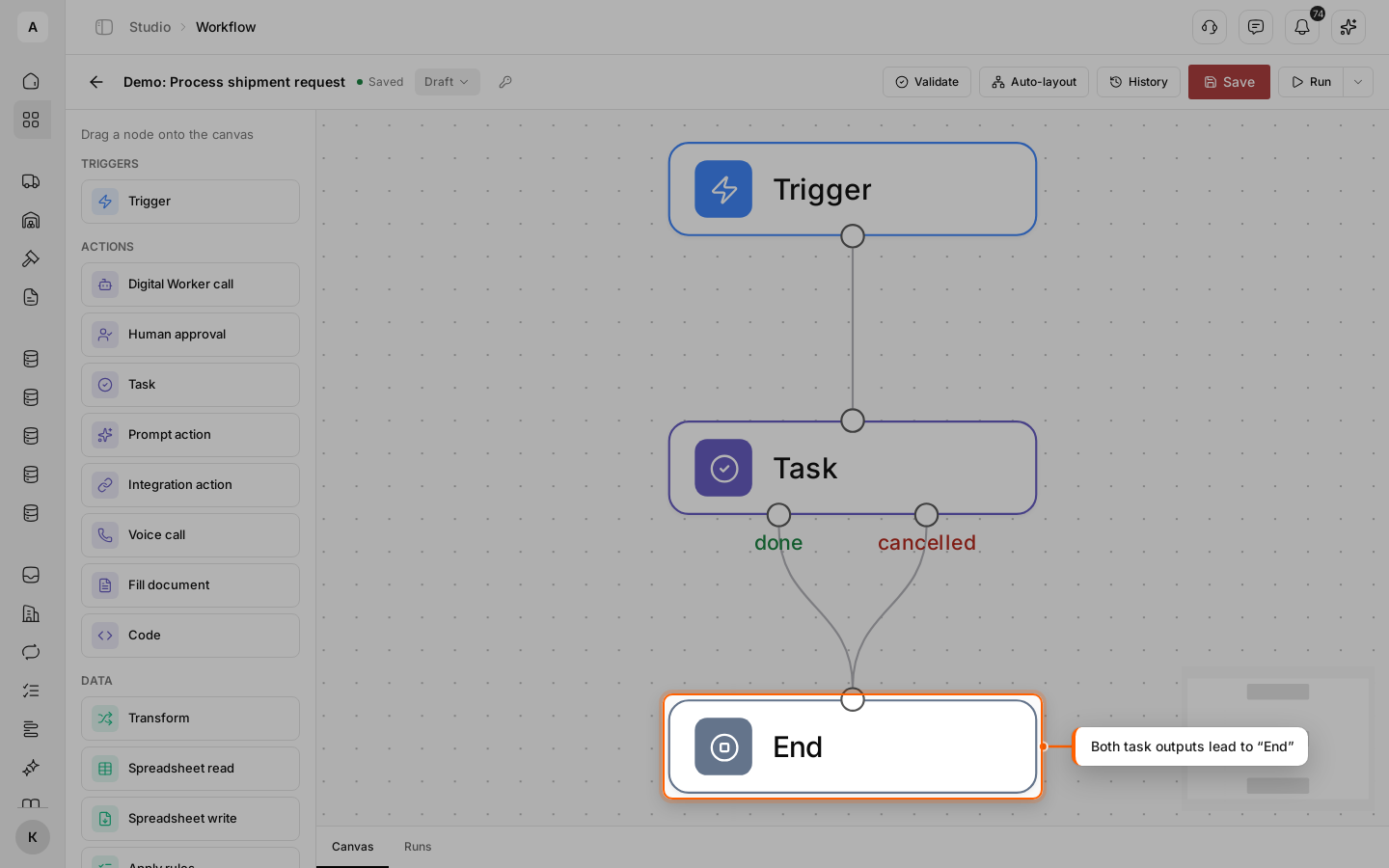
The workflow in the example: new request → task “Check new shipment request” → end.
Steps
Open “Workflows”
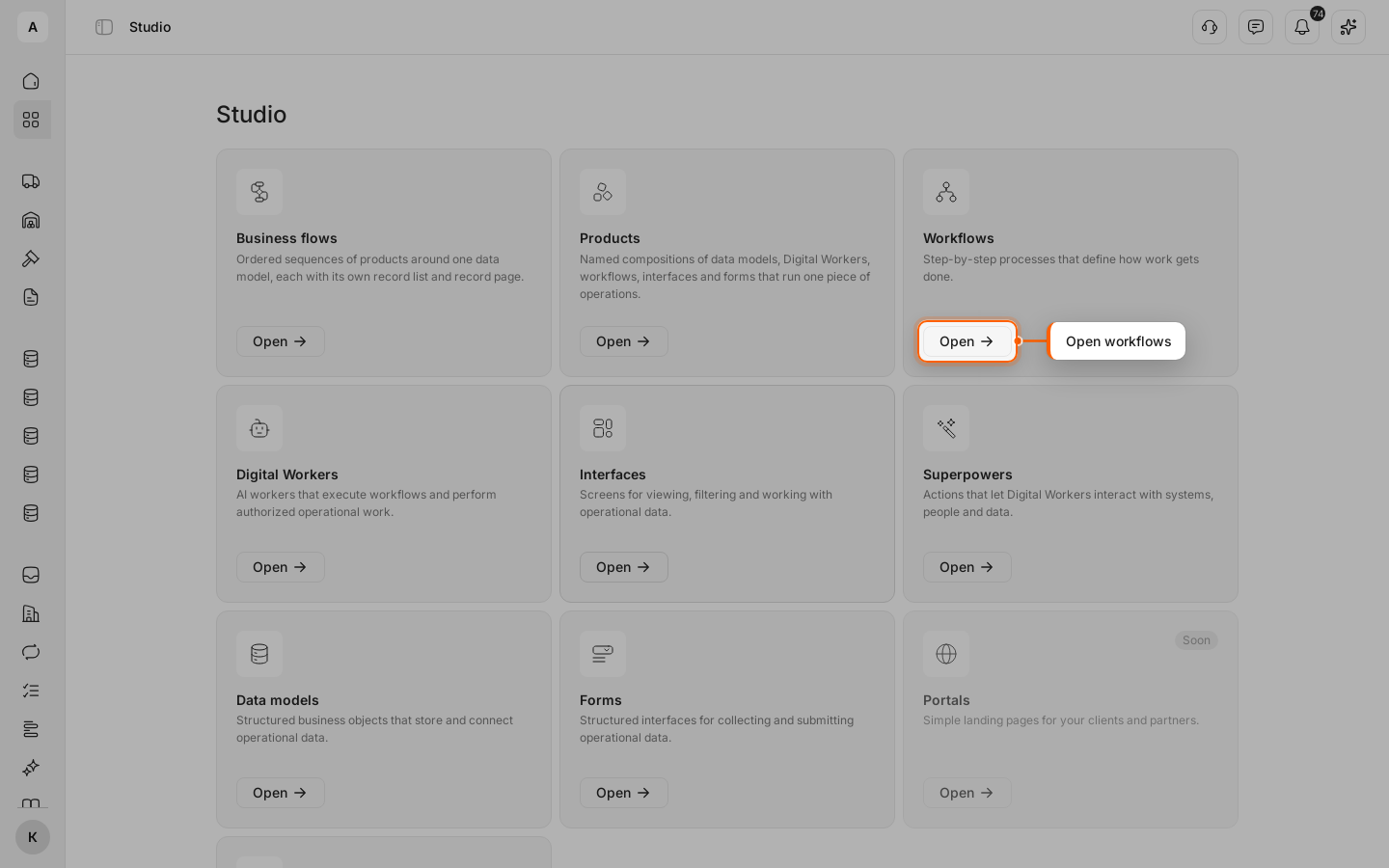
Click Studio in the left menu, then Open on the “Workflows” card.
Start a new workflow
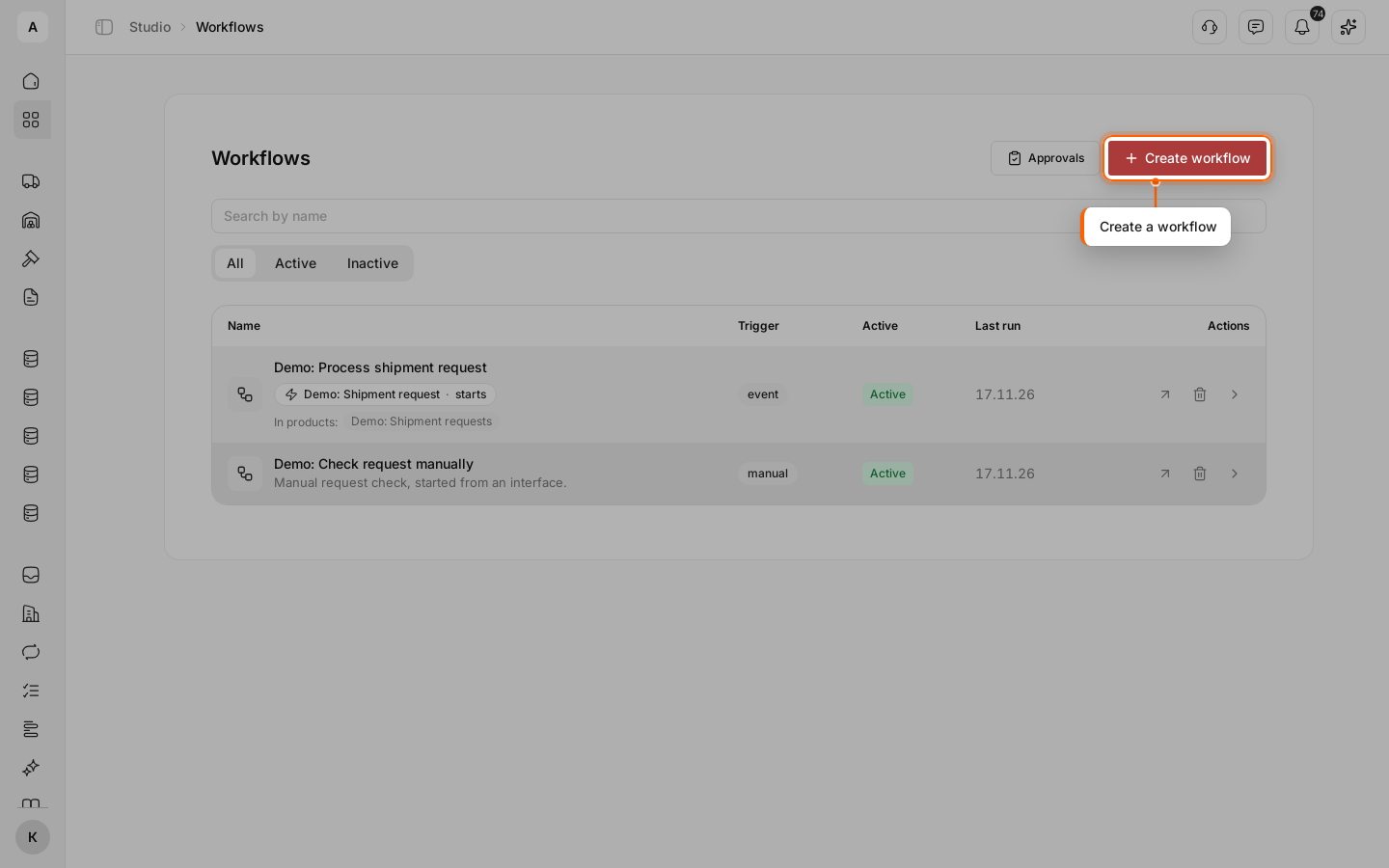
Click Create workflow above the list.
Name the workflow
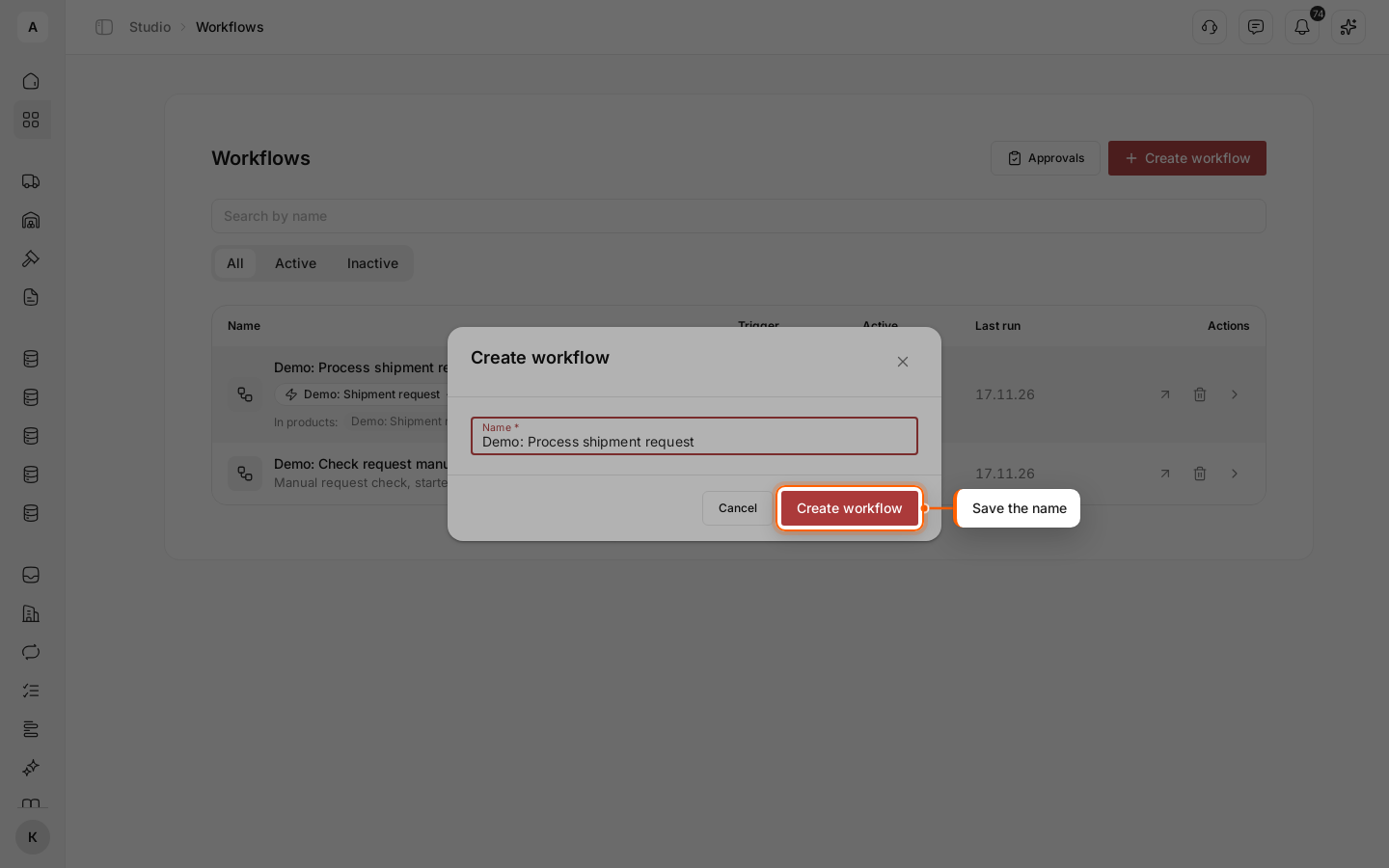
Enter the “Name” — for example, “Demo: Process shipment request” — and click Create workflow. An empty workflow canvas opens with the “Draft” status.
Add a trigger
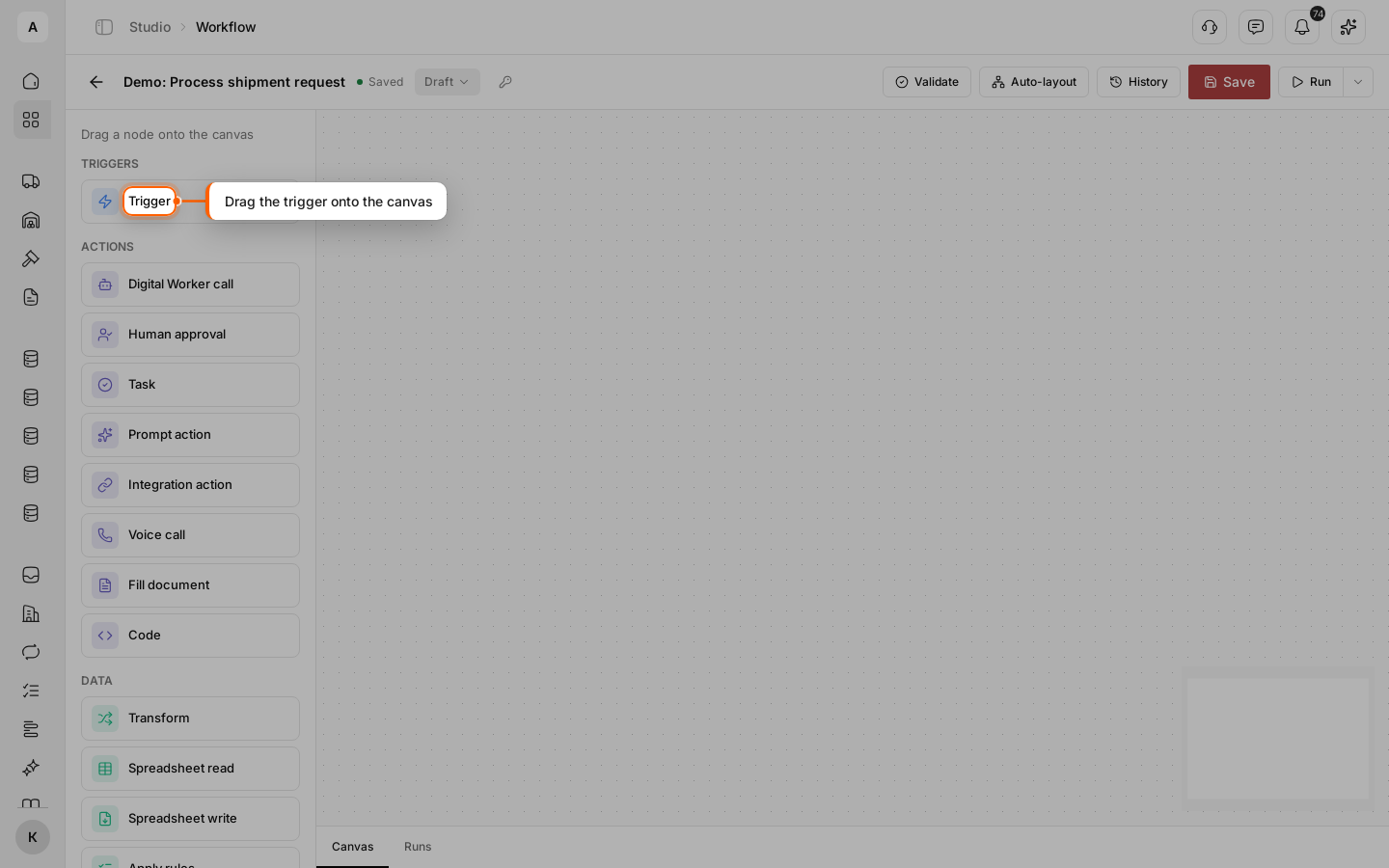
Drag Trigger from the “Triggers” group onto the canvas. The trigger decides when the workflow starts.
Start on a new request
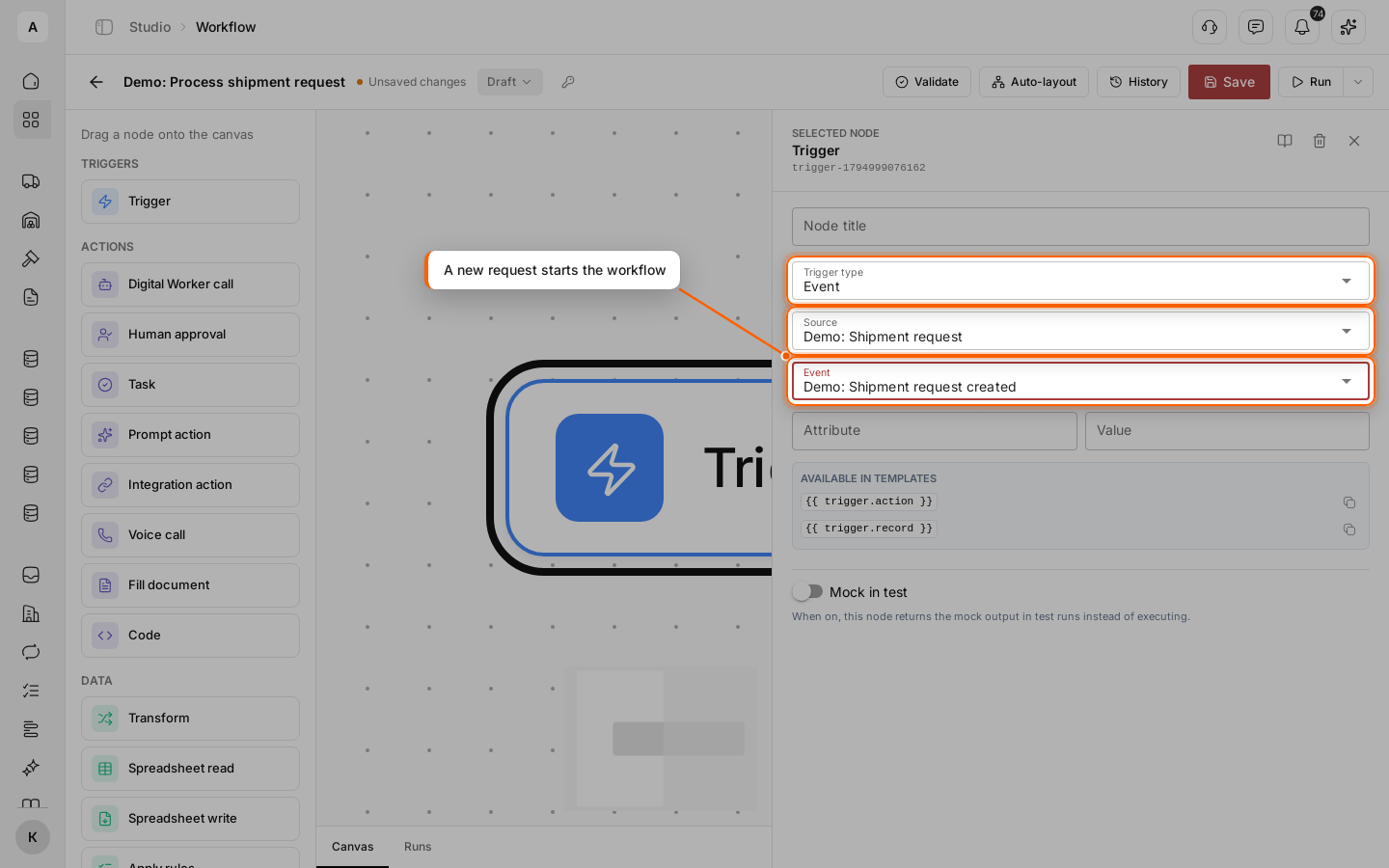
Click the node — its settings open on the right. In “Trigger type”, select “Event”; in “Source”, the model “Demo: Shipment request”; in “Event”, “Demo: Shipment request created”.
To start the workflow only for some records, fill in “Attribute” and “Value”: then only records with this value start it.
Add a task
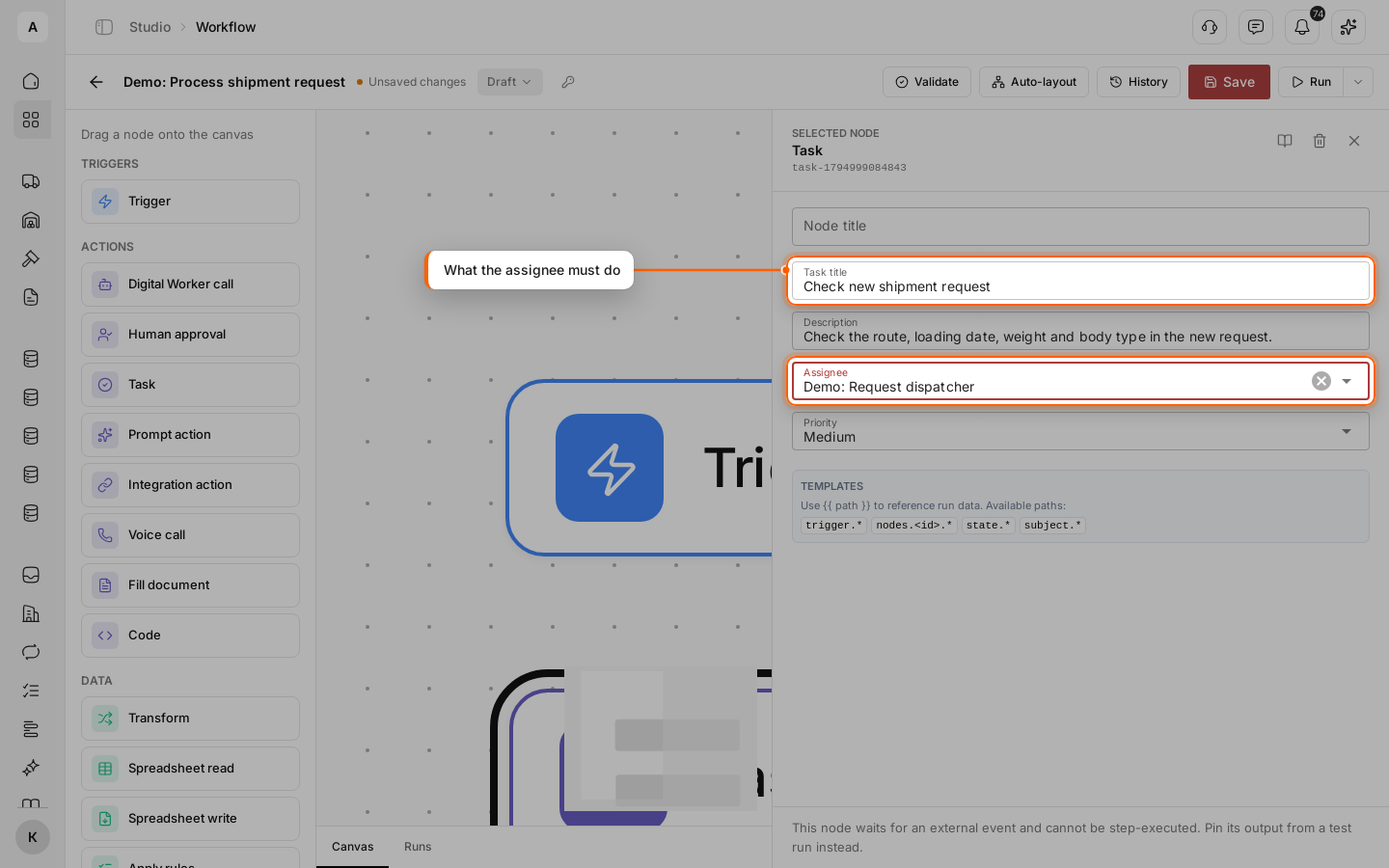
Close the trigger settings and drag Task from the “Actions” group onto the canvas. Click it and fill in “Task title” and “Description”. In “Assignee”, select a person from your team or a Digital Worker; in “Priority”, how urgent it is.
Add the end and connect the nodes
Drag End from the “Completion” group. Drag from the bottom point of the trigger to the top point of the task. Then connect both task outputs, “done” and “cancelled”, to the top point of the “End” node.
Save and validate
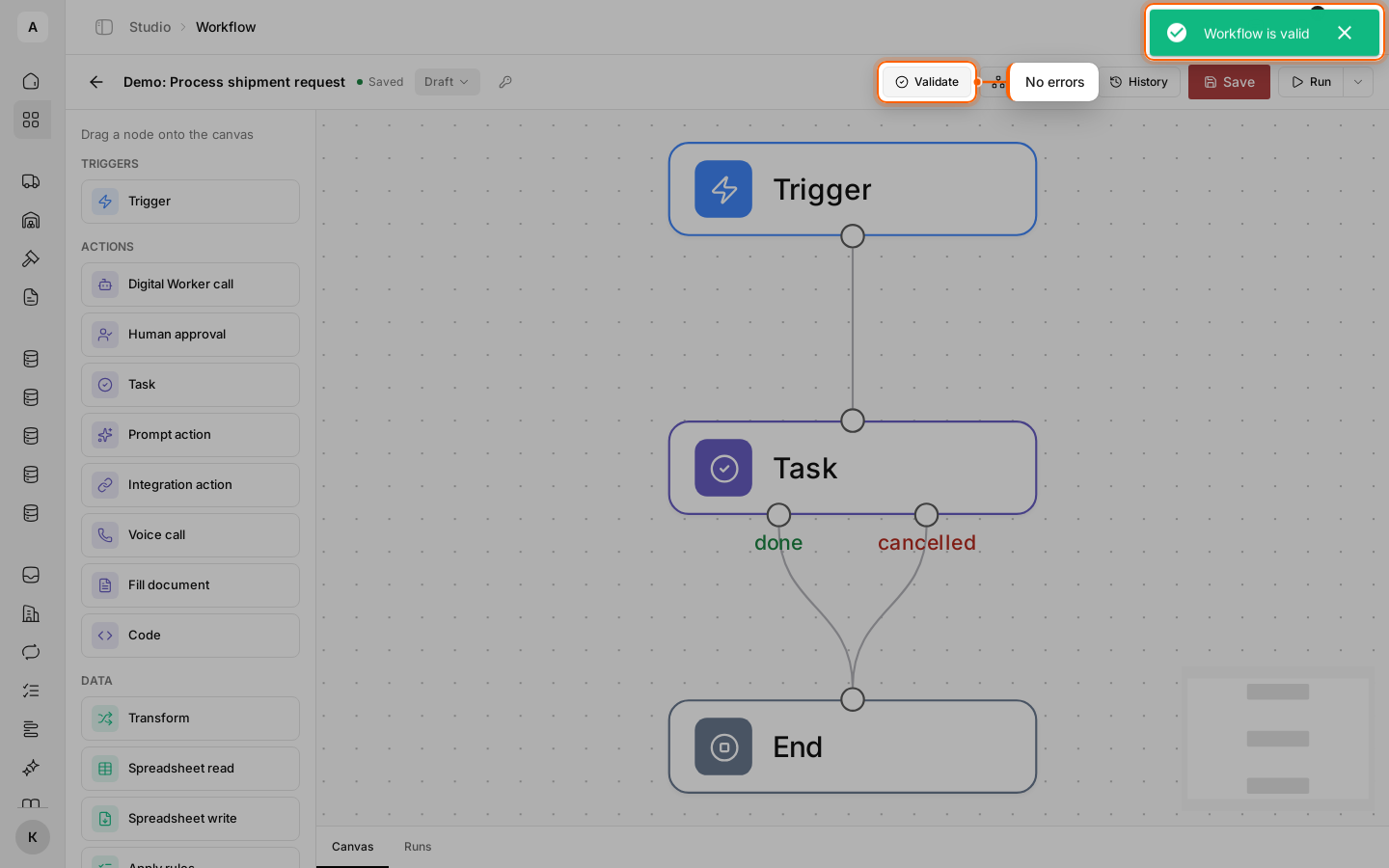
Click Save, then Validate. The message “Workflow is valid” means the workflow is ready for a test and for publishing. If there are errors, their list appears above the canvas.
To line the nodes up one under another, click Auto-layout.
Important
A saved workflow is still a draft and does not react to new requests. It starts working once you publish it.
Next steps
Put the route and weight of the request into the task title.
Send heavy requests one way and the rest another.
Run the workflow on a sample request before publishing.
How to turn the workflow on and change it without stopping it.