- Who can: a user with the “Manage Studio” permission
- Where: Studio › Digital Workers › worker card
- Time: ≈ 3 minutes
Before you start
You need the superpower and the knowledge base you will attach. In the example these are the “Demo: Working with requests” superpower and the “Demo: Request check rules” knowledge base with rules for checking the route, date, weight and body type. If they do not exist yet, click Manage library on the matching tab to create them.
A worker reads a knowledge base only through a superpower that allows searching it: in the superpower, turn on the tool group knowledge-* — see Tool groups. In the example, this is the superpower “Demo: Search request rules”.
Steps
Attach a superpower
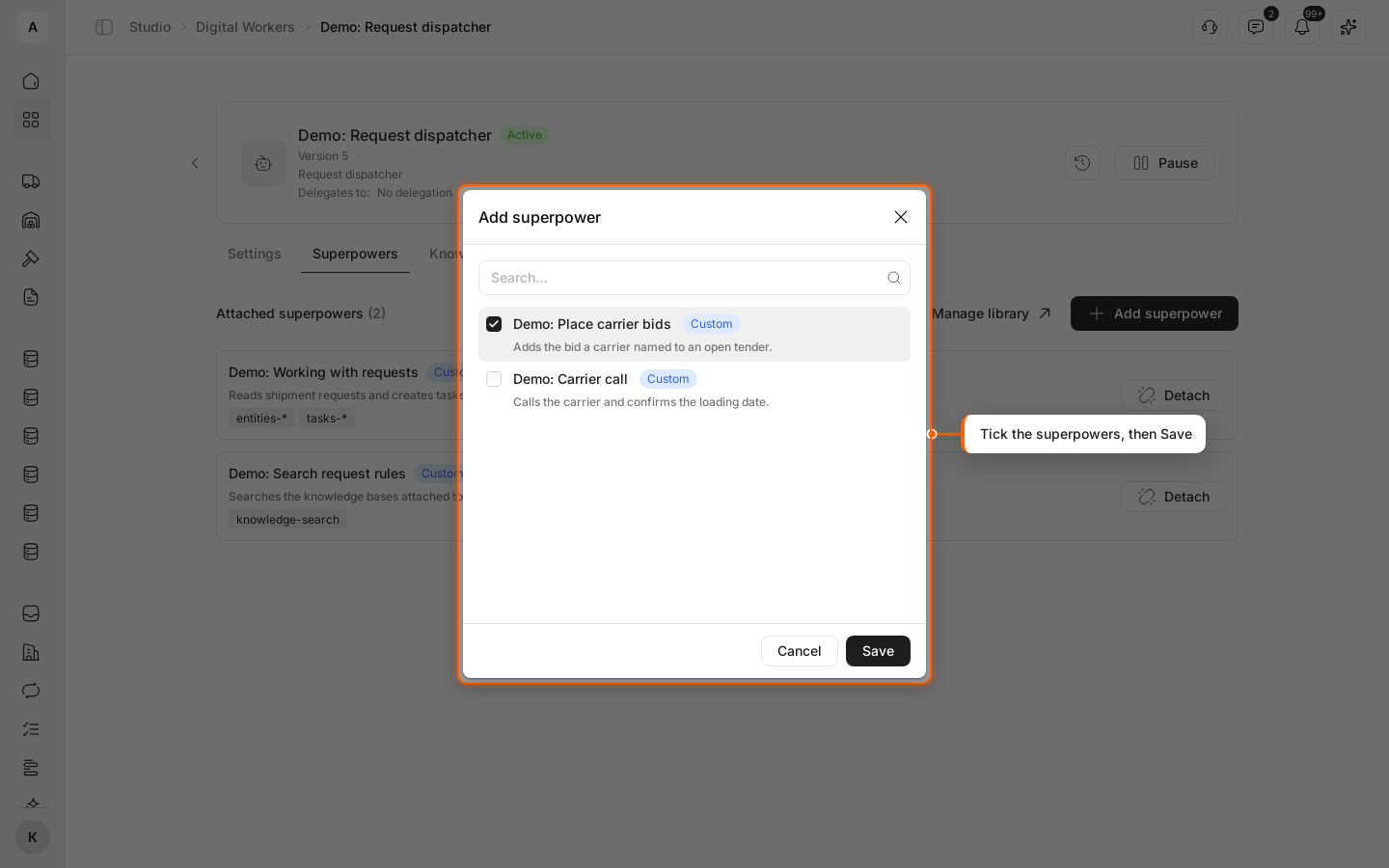
In the list of Digital Workers, click the worker’s name, then the Superpowers tab. Click Add superpower, tick “Demo: Working with requests” and “Demo: Search request rules” in the list — use “Search…” to find them — and click Save.
Check the superpower list
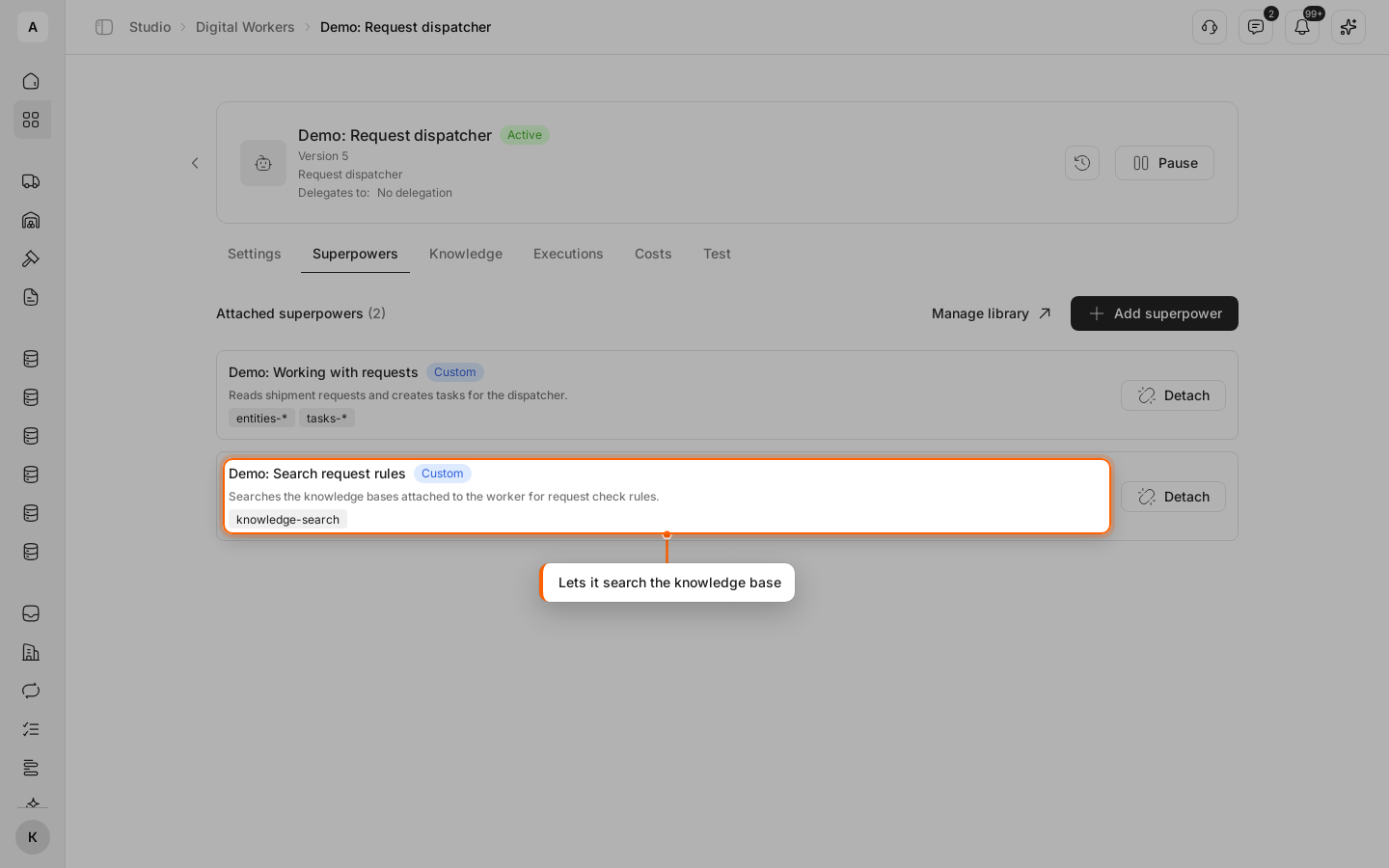
The superpowers appear under “Attached superpowers” with the actions each allows; “Demo: Search request rules” shows “knowledge-search”. To remove a superpower, click Detach in its row.
Attach a knowledge base
Open the Knowledge tab. Click Add knowledge base, tick “Demo: Request check rules” and click Save. To remove a base, click Detach in its row.
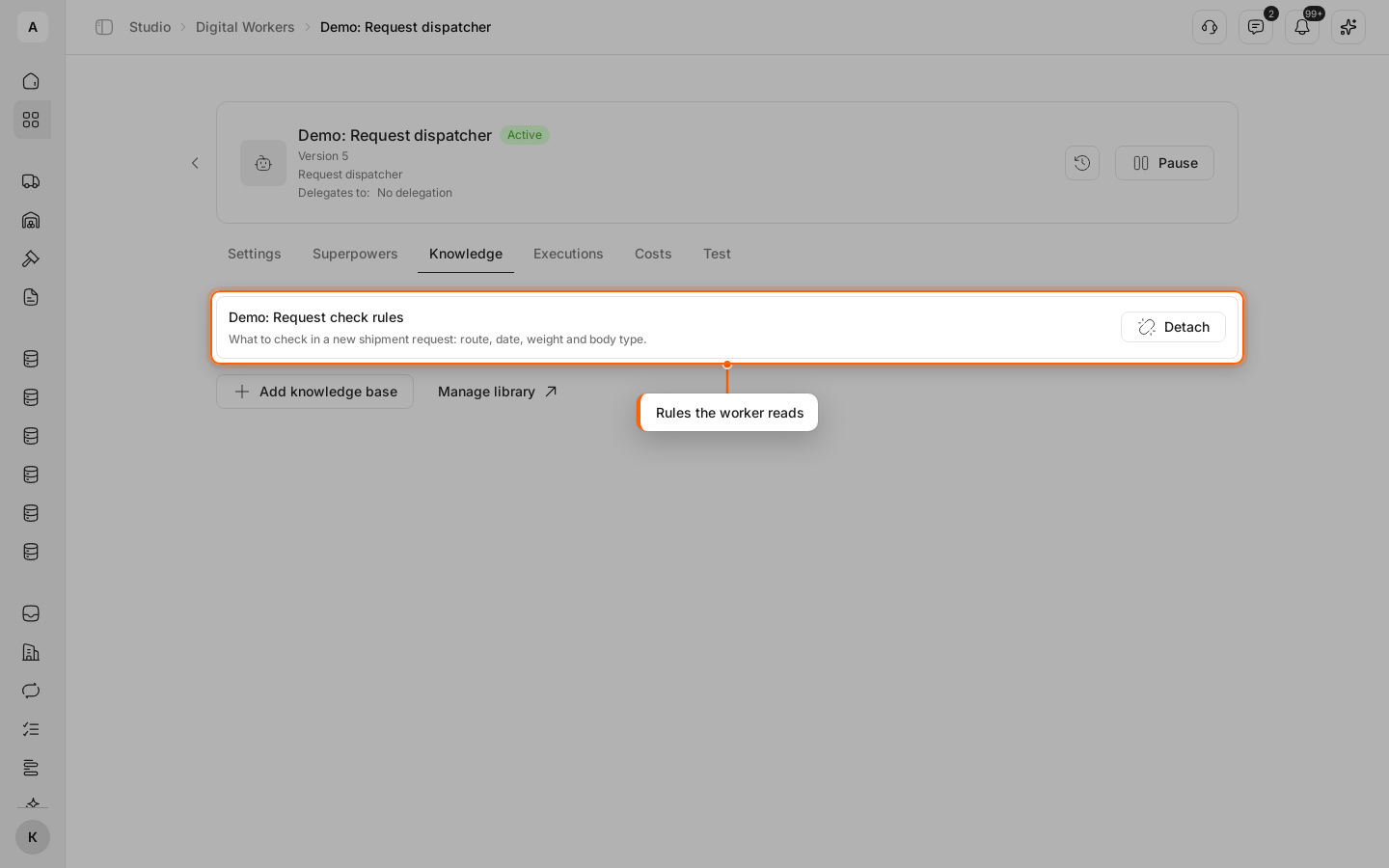
Each change saves right away; the version under the worker’s name goes up.