- Who can: a user with the “Manage Studio” permission
- Where: Studio › Integrations › the “Voice & telephony” group
- Time: ≈ 10 minutes
Before you start
A Digital Worker’s call runs on two connections from the “Voice & telephony” group:
- the voice assistant holds the conversation: it listens and answers by voice;
- telephony provides the number the call comes from.
Both are your own accounts in those services. Have ready:
- the API key of your voice assistant account;
- for telephony, the account credentials. Depending on the card, these are an account ID and token, or SIP details and a list of your numbers in international format, for example
+380000000000.
Steps
Open the voice assistant card
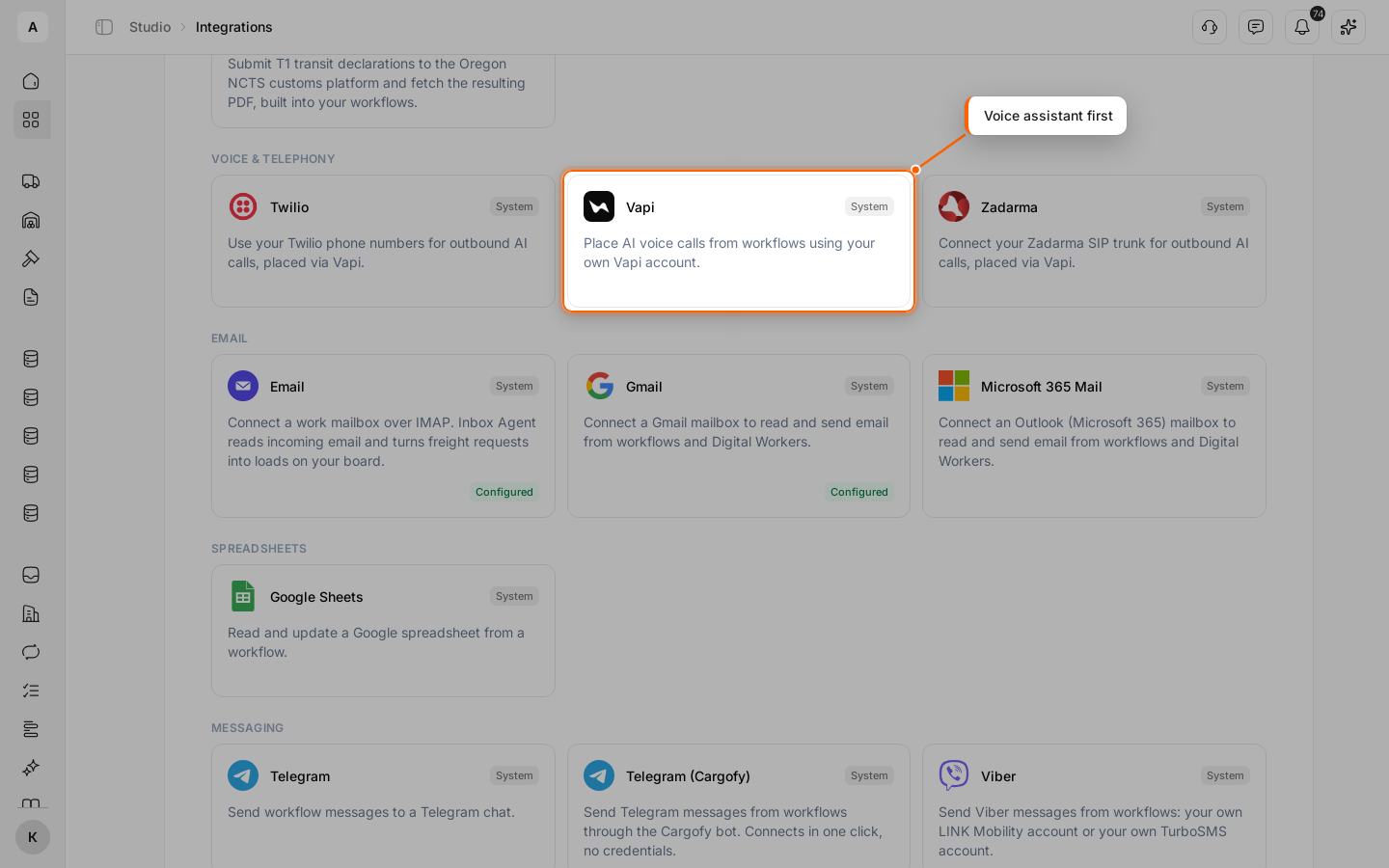
Click Studio in the left menu, then Open on the “Integrations” card. On the Marketplace tab, in the “Voice & telephony” group, click the voice assistant card marked in the screenshot.
Connect the assistant
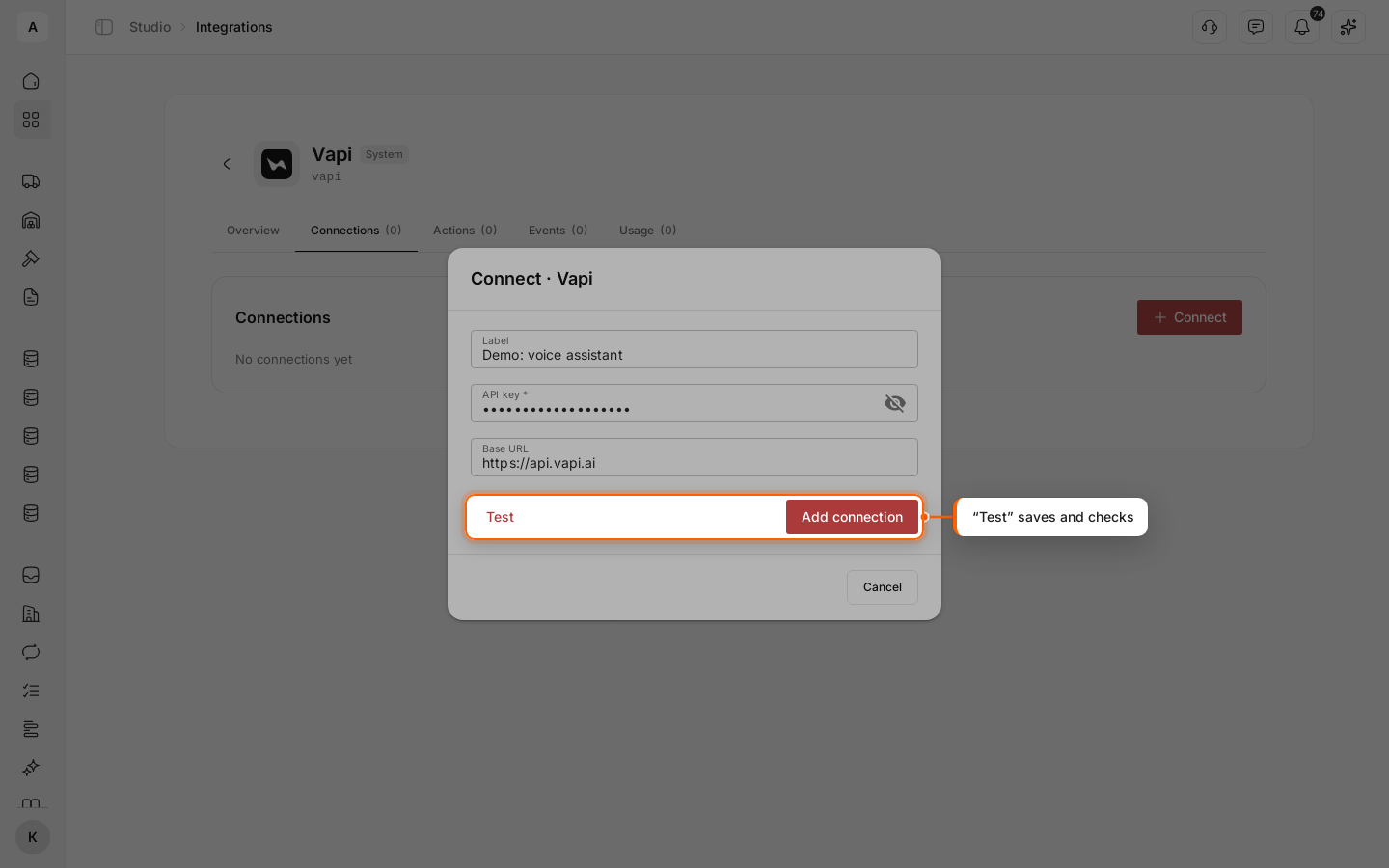
Go to the Connections tab and click Connect. Fill in “Label” and the API key. Leave the server address as is. Click Test: the connection is saved and checked right away.
Connect telephony
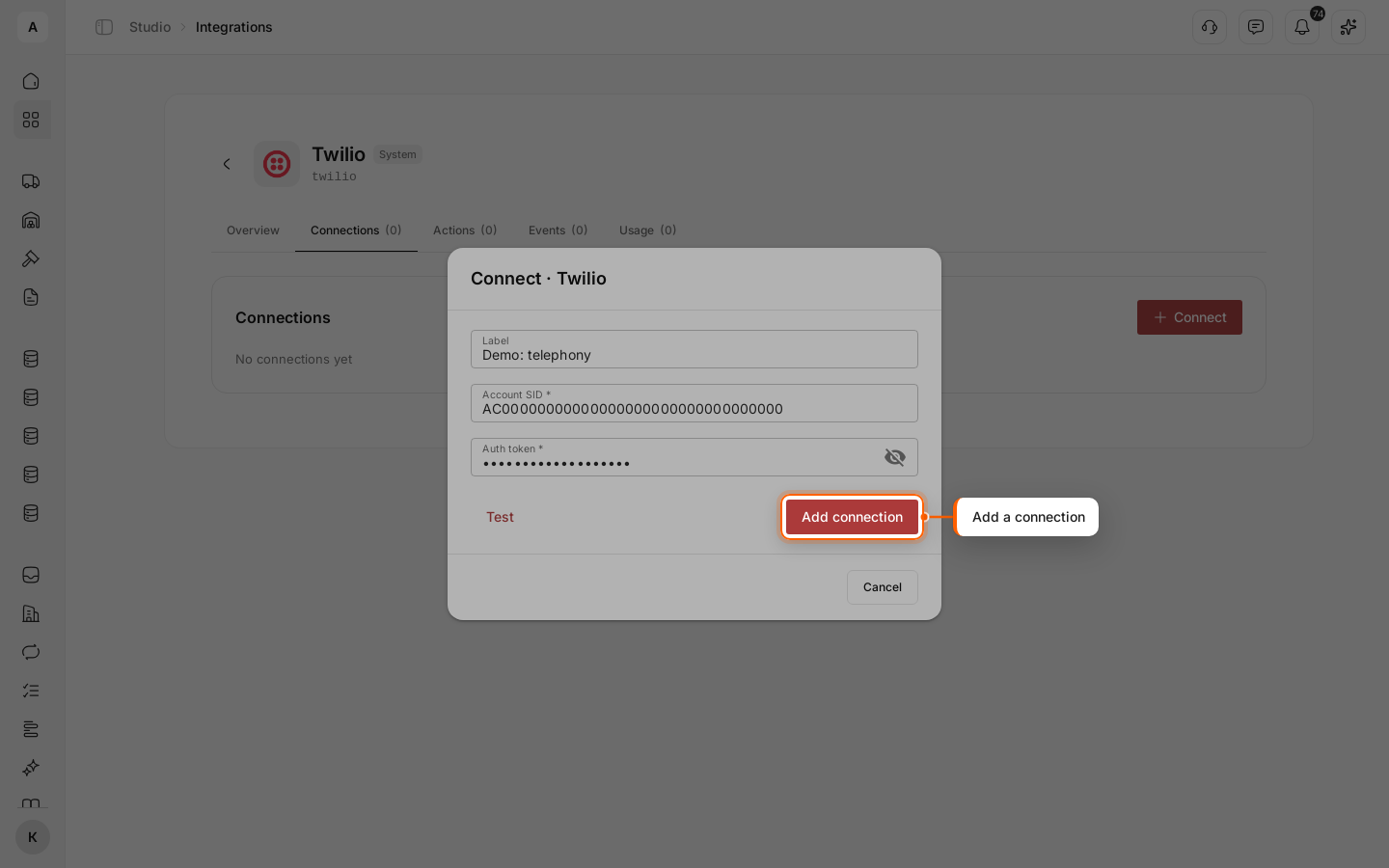
Go back to the Marketplace tab and open one of the two telephony cards in the same group. On the Connections tab, click Connect, fill in “Label” and your account details, then click Test.
Check the numbers
A “Voice numbers” block appears under the telephony connection and lists your account’s numbers. While it says “No numbers synced yet.”, click Refresh to check again.